
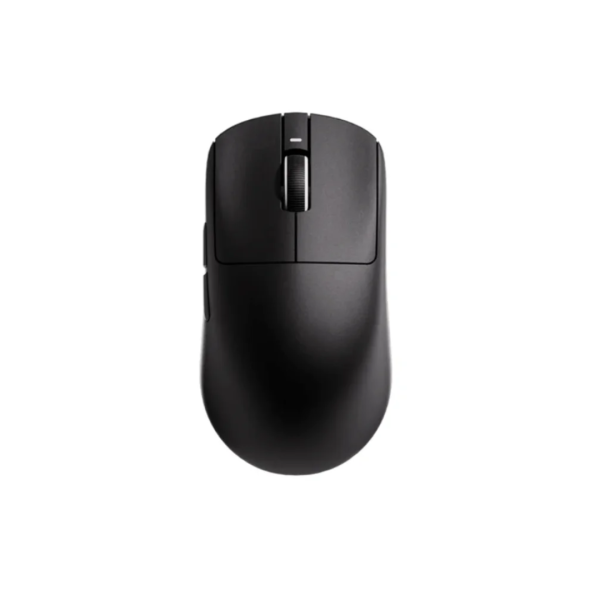
CS2 mouse settings for Bangladesh
Counter-Strike 2 punishes shaky aim and sloppy spray control more than any other shooter. Even a great mouse feels bad with wrong settings. This guide walks through DPI, zoom sensitivity, polling rate, and launch options to get stable aim with the VXE R1 lineup.
Lock the foundation settings first
Use m_rawinput 1, keep Windows at 6/11, and pick either 800 or 400 DPI as your base. Leave zoom sensitivity at 1.0 so AWP scoping feels natural. Most CS2 professionals play between 200 and 300 eDPI, so an in-game value around 0.5 to 0.7 is a sensible starting point.
- Start at 1000Hz polling, move to 2000Hz if your PC is strong
- Keep mouse acceleration fully disabled everywhere
- Hold rifle eDPI between 200 and 320 for control
- Use a large cloth pad so spray transfers fit your desk
- Consider grip tape if humidity makes your palm sweat
Spray and tap with the R1
AK sprays need a steady downward pull while M4 taps reward a light, responsive mouse. The R1 SE+ at around 2,749 BDT is excellent value for new players. The R1 Pro at around 4,699 BDT brings flagship sensor performance and long battery life, ideal for Dhaka grinders playing Faceit every single evening.
In CS2, reviewing demos teaches more than endlessly changing settings.
The takeaway
Set your CS2 settings once, then forget them and practice. Raw input, moderate eDPI, a large pad, and a dependable R1 mouse are enough. Everything else comes from demos, deathmatch hours, and patience through losing streaks.