
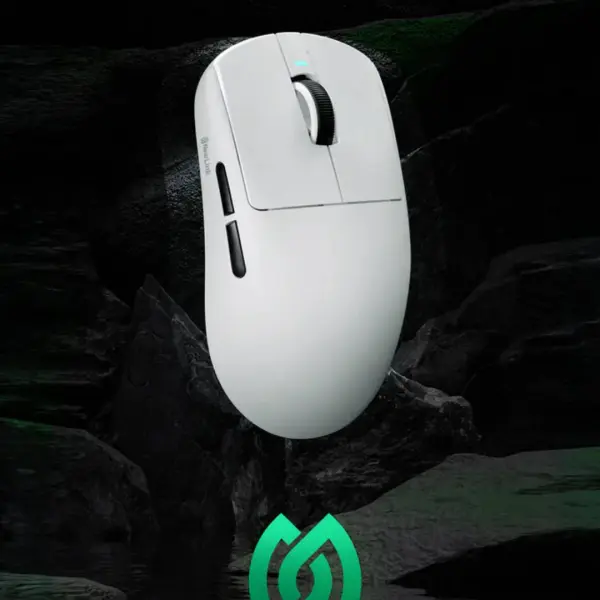
Why your mouse gets grimy
Your hands produce oil and sweat while you play, and dust lands on everything. Over weeks, that mix builds up on buttons, on the shell and around the sensor. It makes clicks feel sticky and can even cause the scroll wheel to skip.
What you need
You do not need expensive cleaning kits. A microfiber cloth, a soft brush, isopropyl alcohol at 70%, cotton swabs and a toothpick are enough. Avoid water and harsh cleaners that can seep into the shell and reach the PCB.
Clean the shell and buttons
Unplug the mouse or switch it off first. Dampen the microfiber cloth with a little alcohol and wipe the shell, buttons and side grips. Use a dry brush to loosen dust from the seams. Never spray liquid directly on the mouse.
The sensor window
The sensor lens is delicate. Use a dry cotton swab or a soft brush only, and never poke the lens with anything sharp. A speck of dust here causes tracking skips, so this is the part to check first if your cursor jumps.
Scroll wheel and feet
Wrap a cotton swab in cloth, add a drop of alcohol, and run it along the wheel ridges. For the PTFE feet, wipe them with a clean cloth. If the feet feel rough or worn, replacing them restores the smooth glide of a new mouse.
- Switch off or unplug the mouse before cleaning
- Use 70% isopropyl alcohol, not water
- Dry brush the seams before wiping
- Clean the sensor lens with a dry swab only
- Wipe the PTFE feet without scraping them
- Let everything dry before plugging back in
How often
A quick wipe every week keeps most mice feeling fresh. A full clean once a month is enough for heavy users. If you eat while playing, clean sooner, because crumbs are the fastest way to make switches feel mushy.