
Why grip matters more than specs
You can have the best sensor in the world, but if the mouse does not fit how you hold it, your aim will suffer. Grip style is the first question to answer before choosing a shape, weight or even a price point.
Palm grip: full contact, maximum comfort
In a palm grip, the whole hand rests on the mouse. This is the most relaxed style and the easiest on the wrist for long hours. It works best with medium to large mice with a taller back. Most office users naturally use a palm grip.
Claw grip: control with speed
In a claw grip, the palm rests on the back while the fingers arch and press with the tips. You get faster, snappier movements and precise flicks. It suits medium mice and is one of the most popular styles among competitive FPS players.
Fingertip grip: pure speed
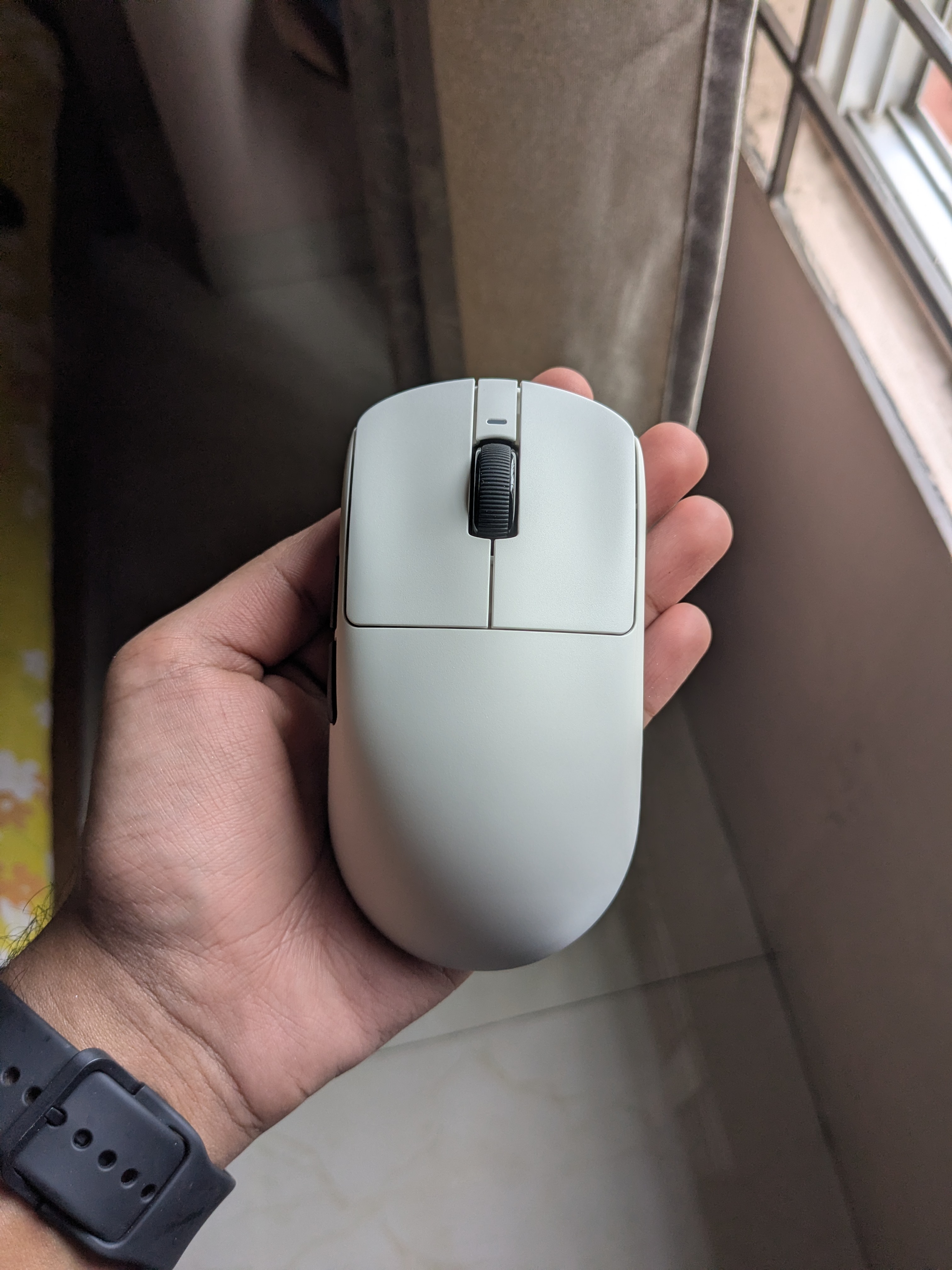
In a fingertip grip, only your fingertips touch the mouse and the palm never rests. This allows the fastest micro-adjustments and works beautifully with lightweight mice like the 48g VXE R1 series. The trade-off is less palm support, so some players find it tiring at first.
- Palm grip: whole hand on the mouse, best with medium-large shapes
- Claw grip: palm contact plus arched fingers, popular for FPS
- Fingertip grip: only fingertips, fastest micro-adjustments, suits light mice
- Try the R1 series at 48g if you want a mouse that works for claw and fingertip
Finding your style
Sit naturally at your desk and let your hand fall on the mouse. Do not force a style. Whatever feels comfortable for ten minutes of play is your grip. If you are between styles, a 48g mouse with a neutral shape, like the R1 Tri, covers most grips without commitment.