
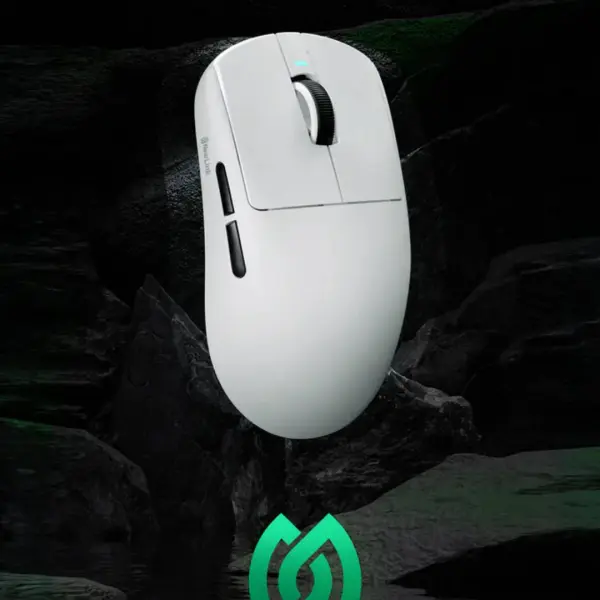
Check the surface first
Glass, glossy wood and mirrored pads confuse optical sensors. Even good sensors like the PAW3395 track best on matte cloth or hard pads designed for gaming. A dark cloth pad solves most skipping instantly.
Clean the sensor opening
A single hair across the lens causes wild cursor jumps. Blow the window clean with compressed air and wipe gently with a dry cotton swab. Never poke with metal or wet cloth.
- Wireless users: keep the dongle on the front port, not behind the PC
- USB 3 ports next to the dongle can add interference; try another port
- Charge above twenty percent, low battery causes stutter
- Update firmware if your brand offers a tool
- If all fails on multiple surfaces and ports, then warranty time
Prevention beats repair
Wash your pad monthly and blow dust off the sensor weekly. Two minutes of care keeps even budget mice tracking like new for years.