
Three modes, three personalities
- 2.4G dongle: lowest latency, made for ranked matches
- Bluetooth: pairs with phones and tablets, no dongle needed
- Wired USB: zero battery anxiety and charges while you play
- Switching between them takes seconds, often one hotkey
Real life scenarios
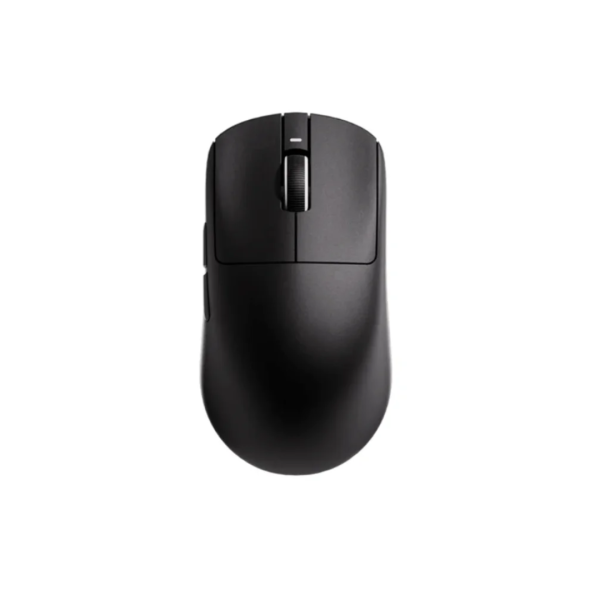
Morning: laptop over Bluetooth for classes. Evening: same keyboard flips to 2.4G for Valorant. Weekend trip: cable in bag covers everything else. The NOVA 75 PRO handles all three with its huge 8000mAh battery, and the R1S mouse does the same trick in your hand.
One warning
Bluetooth adds latency by design, so keep competitive play on 2.4G or wire. Treat BT as the convenience mode, not the performance mode, and tri mode gives you both worlds without compromise.
Should you pay extra for it?
If your gear ever leaves the desk or you own more than one device, yes. In 2026 tri mode ships even on budget models, so treat single mode wireless as a reason to look elsewhere.